Go to your WordPress Project theme folder and run this command
npx create-react-wptheme <project-name>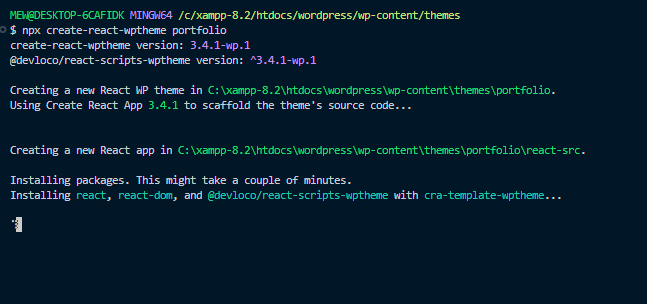
This command will create a folder react-src
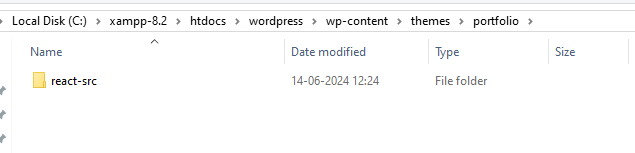
run go to this folder and run following command
cd portfolio\react-src
npm run start
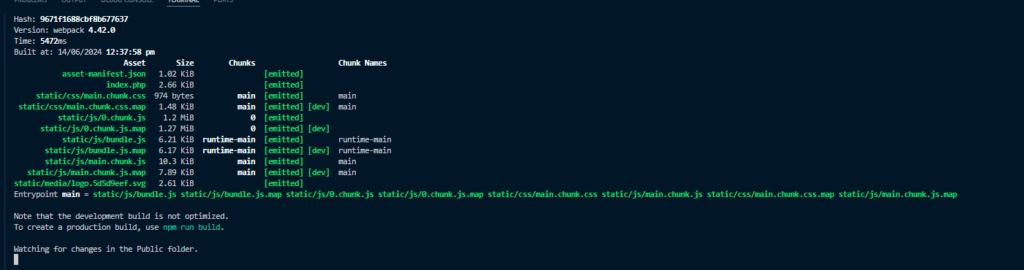
Then you will get following message

Now activate your theme inside your WordPress.
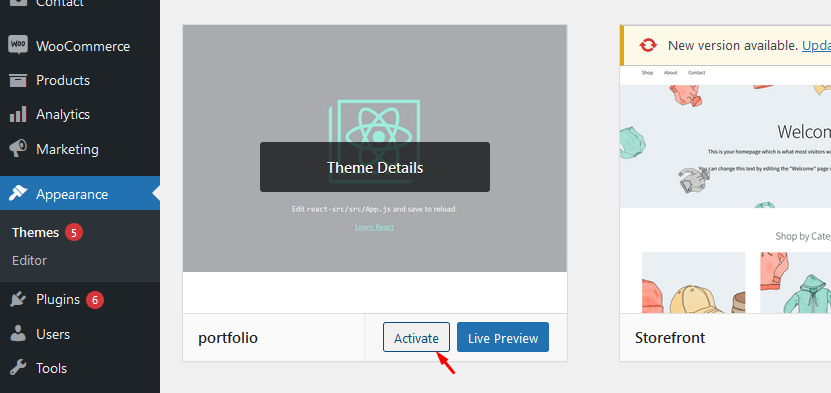
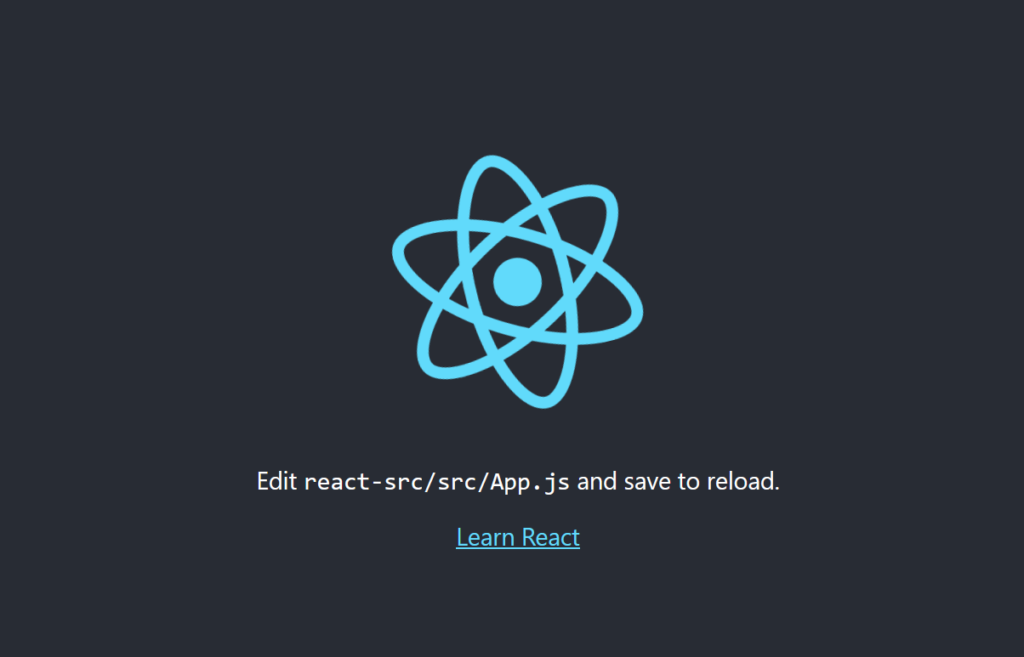
Now run npm run start cmd run now project start running.
If you get this issue like ERR_OSSL_EVP_UNSUPPORTED.
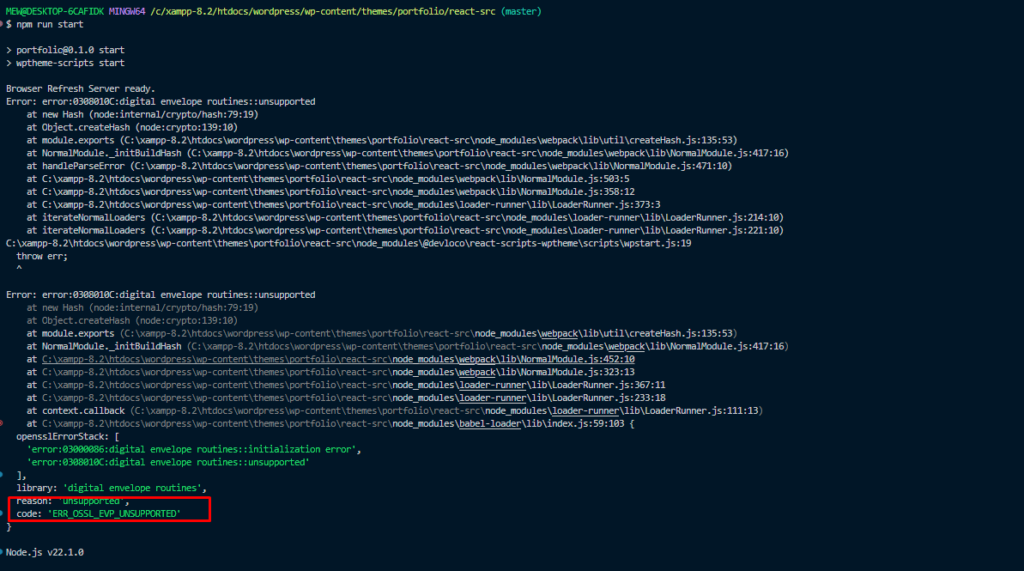
Add below code in your package.json file --openssl-legacy-provider
  "build": "wptheme-scripts --openssl-legacy-provider build",
  "start": "wptheme-scripts --openssl-legacy-provider start",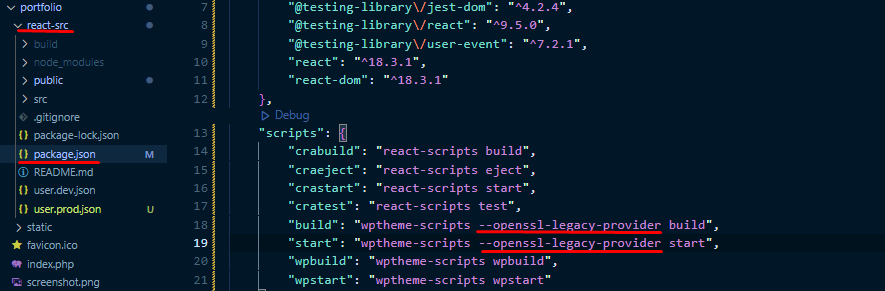
Now run npm run now your project will run. 🎉🎊