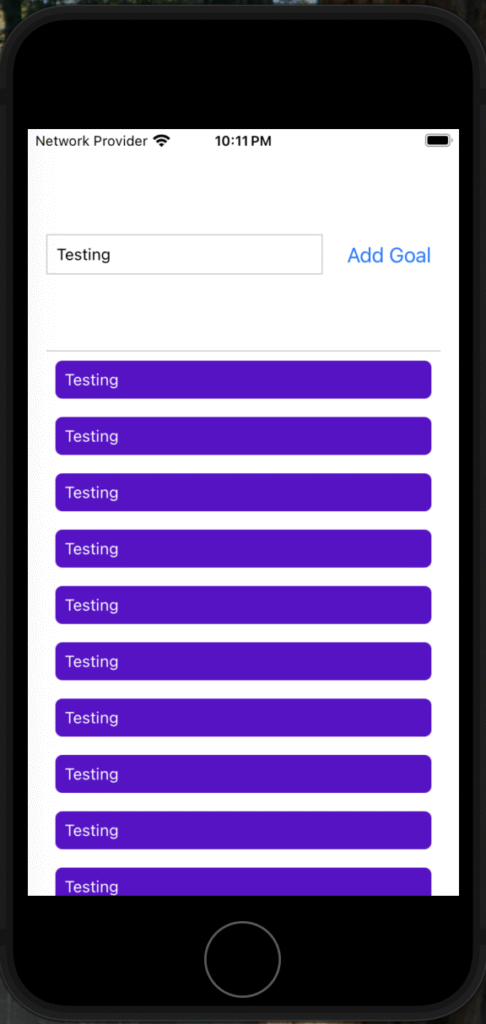
FlatList in React Native is a highly efficient and flexible component designed to render large lists of data by only rendering items currently visible on the screen, which improves performance and conserves memory in mobile applications
Key Features of FlatList:
- Virtualized list rendering: Only visible items are rendered, unlike ScrollView which renders all items at once.
- Supports horizontal and vertical scrolling.
- Allows custom item rendering through the
renderItemprop. - Requires two primary props:
- Supports additional features like pull-to-refresh, item separators, and empty list components.
- Requires unique keys for each item, typically provided via the
keyExtractorprop, which extracts a unique key (like anid) from each data item
import React from 'react';
import { FlatList, Text, View, StyleSheet } from 'react-native';

const data = [
  { id: '1', name: 'India' },
  { id: '2', name: 'USA' },
  { id: '3', name: 'UK' },
];

const Item = ({ name }) => (
  <View style={styles.item}>
    <Text>{name}</Text>
  </View>
);

export default function App() {
  const renderItem = ({ item }) => <Item name={item.name} />;

  return (
    <FlatList
      data={data}
      renderItem={renderItem}
      keyExtractor={item => item.id}
    />
  );
}

const styles = StyleSheet.create({
  item: {
    padding: 10,
    marginVertical: 8,
    backgroundColor: 'lightgray',
  },
});
Additional Notes:
- FlatList can be customized extensively with props like
ItemSeparatorComponent(to add separators),ListEmptyComponent(to show when the list is empty), and others. - It is ideal for lists where each item has a similar structure but can be customized for different UI needs.
- FlatList is preferred over ScrollView for large lists due to its performance optimizations.
- You can pass components as data to FlatList, but you need to manage rendering carefully with
renderItem